Lethal Ape Experience ESP and Wall Highlights
Seeing through walls is the most requested extra — and the easiest way to stop learning the mix.
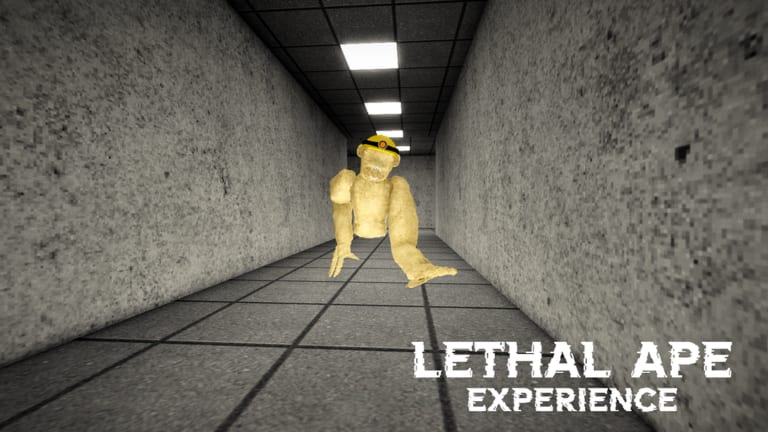
ESP is the feature people want when Lethal Ape Experience feels unfair. A GUI promises red silhouettes for hunters, green for loot, and blue for players. In other ape-horror places, those overlays are common. For this Breet Studios beta, confirmed overlays tied to place 117713779364528 are scarce. This page explains the feature so you can recognize a GUI, not so you can pretend it is supported.
If you have not learned audio yet, close this tab and open monster cues. ESP is a crutch that deletes the skill the official page is built on.
What an ESP GUI usually contains
- Monster ESP — boxes or chams on hunter models.
- Player ESP — nameplates through walls, sometimes with distance.
- Loot ESP — glitter on scrap or pickup parts.
- Alerts — a sound when a hunter enters a radius.
Keyless hubs often dump all four into one window with toggles. Universal hubs show the window even when the game’s folder names do not match, which looks like success and is not.
Why Forest breaks overlays
The Forest Update added outdoor instances and new meshes. Scripts that index a hardcoded lab folder will draw nothing, or they will draw last week’s parts floating in a tree. That is a compatibility miss, not a “patched ESP” myth. Read Forest Update and forest monsters before you decide the script is “detected.”
If an overlay highlights every bush as loot, turn it off. You will walk into a ditch that the forest map already told you to skip.
Account and social cost
Other players notice impossible peeks. A 20-player server includes people who record. Roblox moderation does not need a perfect replay to act on a report pattern. Speed plus ESP is louder than ESP alone.
We will not provide an inject sequence. If a video does, it is not this wiki. If a file asks you to disable security software, delete the file.
Playing without ESP
Camera peeks from controls, two-exit rooms from How to Survive, and type reads from How to Beat Monsters are the legitimate overlay. They survive a patch that renames every model.
If you still enable a highlight, use it as a debug tool for one scout run: compare what the box shows to what you heard. Then turn it off and see whether you can keep the same path. If you cannot, the script was playing the game for you.
Related: auto farm for the other half of the usual hub, and the Scripts Hub for the compatibility rule about place IDs.
A one-run experiment if you already have a GUI
Play ten minutes with highlights on, then ten with them off on the same spine. If the second half collapses, the overlay was the player. That is useful information. It is also the moment to decide whether you are here to learn the mix or to collect a highlight.
This page will not grow an inject section. If a future script is confirmed against this place ID, we will describe the toggles and the Forest miss rate. We will still tell you to try the cue sheet first. Walls are optional. Ears are not. If the GUI is blank, you are in the right place ID and the wrong script.
Frequently Asked Questions
Quick answers to the most common questions.
Does ESP work after the Forest Update?
Many overlays were written for other places or older lab folders. Expect missing draws outdoors.
Is monster ESP the same as the official recommendation?
No. The official page recommends headphones, not wallhacks.
Can ESP get me banned?
Unofficial client changes can be penalized. Use is your risk.
Why does my ESP show nothing?
Wrong place ID, renamed objects, or a universal hub that only opened a blank GUI.